What Is AI Automation? A Guide to Sales Automation Tools

Running a growing business means juggling leads, follow-ups, proposals, and a dozen other tasks before lunch. That is exactly why so many modern sales teams are turning to sales automation tools to take routine work off their plates.
Key Takeaways
-
Save Time: Automate up to one-third of routine sales tasks to let reps focus on closing deals.
-
Smart Adaptability: AI learns from contextual data rather than following rigid, static rules.
-
Data Quality Matters: Clean customer data is essential for accurate scoring and forecasting.
-
Start Small: Automate one workflow at a time and maintain human oversight.
AI automation blends machine learning and natural language processing to handle repetitive tasks flawlessly. This frees up your team for the work that actually needs a human touch, like building relationships and closing deals. Earlier, sales professionals relied on manual data entry, sticky notes, and spreadsheets to track their prospects.
Today, intelligent algorithms process massive amounts of data in seconds, revealing insights a human might miss. If you have heard the term thrown around in meetings and still are not sure what it means for your daily operations, you are not alone. This guide breaks it down in plain language, with real examples of how these tools can support your growth.
What Is AI Automation?
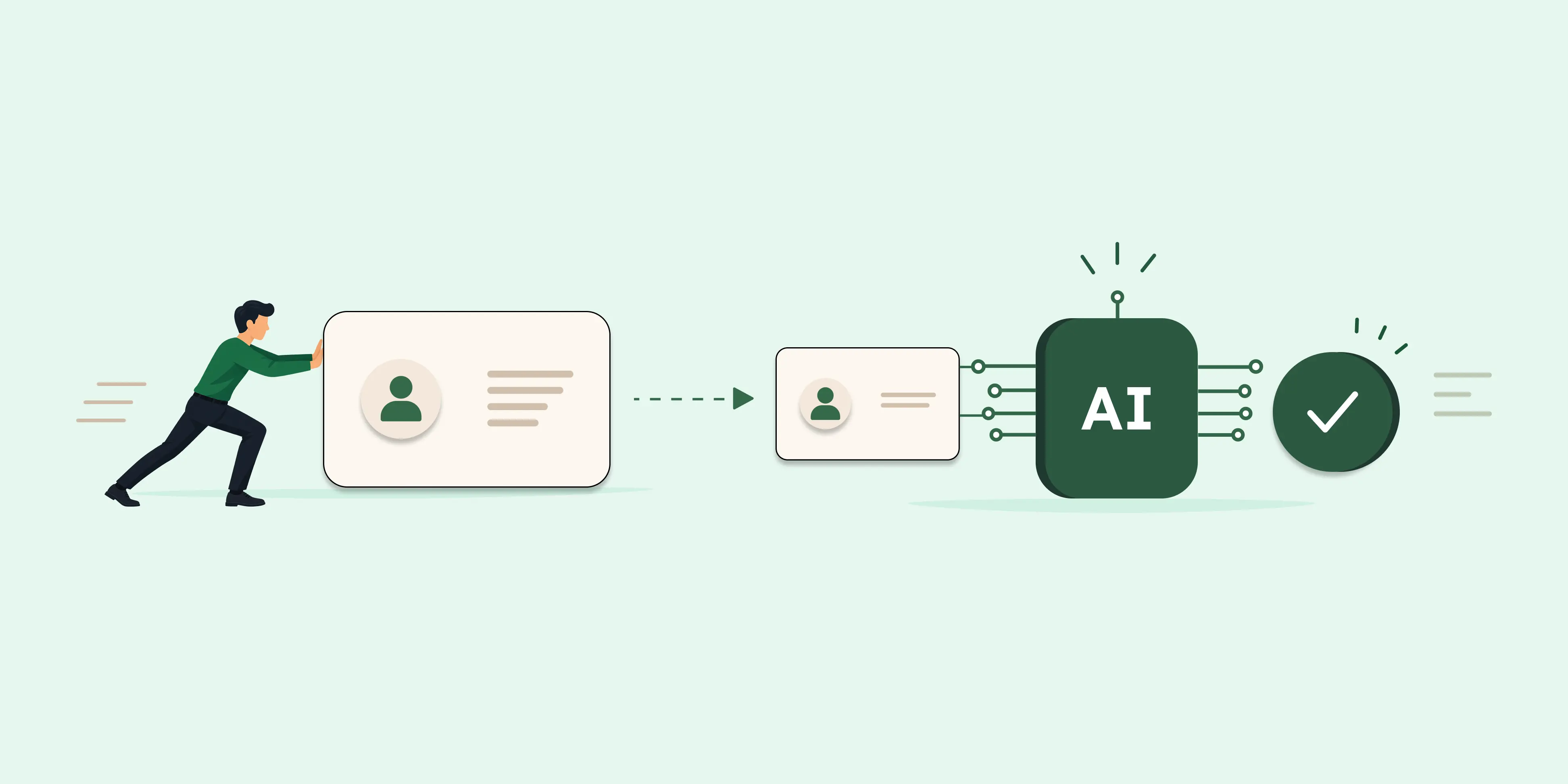
At its core, AI automation uses technology like machine learning and natural language processing to power modern platforms. These sales automation tools review data, spot hidden patterns, and make decisions with very little human input. Instead of following one fixed rule for every situation, an AI-powered system can adjust as it learns from new information.
This level of adaptability is something traditional, rule-based automation was never built to do. For sales teams specifically, this shows up as sales automation tools that intelligently score leads and draft follow-up emails. They can also flag deals that need immediate attention, all without someone manually checking a spreadsheet every morning.
Unlike a basic chatbot that spits out a canned reply, AI automation actually understands conversational context. If a prospect asks a nuanced question about pricing, the system interprets intent and responds in a genuinely helpful way.
Growing businesses do not need an enterprise-sized IT department to benefit from this technology anymore. Many sales productivity tools now come with AI features built-in right out of the box.
This means a small or mid-sized sales team can start automating without hiring a data science team first. Twozo, for instance, builds this thinking into their platform with an AI assistant that drafts replies instantly.
How Sales Process Automation Works, Step by Step
Understanding how the technology works under the hood makes it much easier to trust it with real revenue-generating tasks. Here is a simplified walkthrough of sales process automation in action for modern businesses.
First, the system collects data like email interactions, call notes, website visits, and past deal outcomes. Next, it cleans and organizes that information so it is usable, removing duplicate records and fixing incomplete fields. From there, a machine learning model is trained on this data.
It learns to recognize which historical patterns typically lead to a closed deal versus a lost one. Once trained, the system moves into execution, which is where sales process automation becomes visible to your team. A lead gets automatically scored, a follow-up email goes out at the right moment, or a manager gets a notification.
Finally, the system keeps learning and evolving based on new inputs. As new deals close or fall through, the model refines its understanding of your unique market. Predictions get sharper over time instead of staying static and outdated.
This constant cycle is what separates modern AI from older rule-based systems that never adapt on their own.
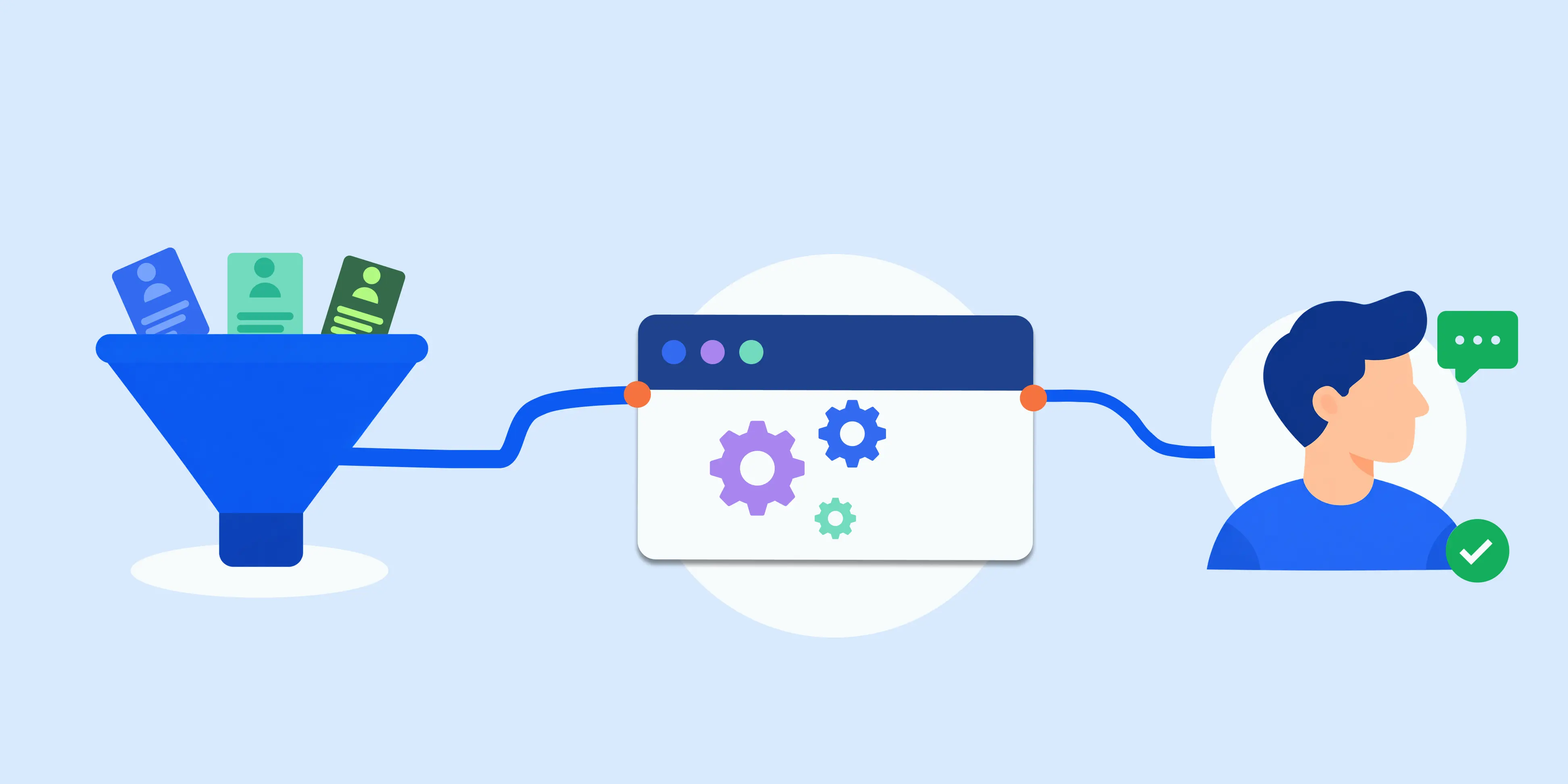
Sales Automation Tools Every Growing Business Should Know
Not all sales automation tools do the same job, and knowing the difference helps you pick what your team actually needs. You want to avoid paying for expensive, bloated features your sales reps will never actually touch.
Below is a breakdown of the core technologies driving modern sales floors. Understanding these categories ensures you invest in the right sales productivity tools for your unique goals.
| Tool Type | What It Does for Your Sales Team |
|---|---|
| Lead scoring software | Ranks prospects by likelihood to buy, so reps spend time where it counts. |
| Email sequencing tools | Sends timed, personalized follow-ups without a rep lifting a finger. |
| AI sales assistants | Summarizes calls, drafts notes, and suggests next best actions. |
| Forecasting tools | Predicts revenue trends using historical deal data and market signals. |
| CRM integrated bots | Updates records automatically as deals move through the pipeline. |
Many businesses start with just one or two of these sales automation tools and expand later. The goal is not to replace your reps; it is to remove the busywork holding them back. This allows them to spend more time actually talking to prospects and closing deals.
Twozo publishes a detailed CRM comparison guide that breaks down where each platform tends to shine.
Real-World Trust and Authority
To understand the sheer impact of these systems, look at the data driving the shift. According to global research firm McKinsey & Company, about one-third of all sales tasks can be fully automated.
This shows that adopting sales automation tools is no longer a luxury, but a core advantage for competitive teams. Businesses embracing this shift see higher quota attainment and significantly less administrative fatigue.
Building an Automated Sales Workflow: Key Components
An automated sales workflow is really just a series of connected steps that used to require manual handoffs between reps. Today, these processes run quietly in the background with minimal supervision required.
A typical automated sales workflow for a growing business might look something like this:
-
A new lead fills out a contact form on your website.
-
The system automatically scores and routes the lead to the right sales rep.
-
A personalized welcome email goes out within minutes to engage the prospect.
-
The rep gets a push notification with a detailed summary of the lead’s activity.
-
Follow-ups continue automatically until the lead responds, books a meeting, or opts out.
Building this kind of workflow does not require rebuilding your entire tech stack overnight. Most successful teams layer sales process automation on top of what they already use.
They start with the highest volume, most repetitive step, and expand once that piece is running smoothly. Twozo lets you set these workflow automation triggers once, so the system carries them out consistently every time.
Bridging the Gap: CRM Automation and Sales Productivity Tools
CRM automation and sales productivity tools tend to get lumped together, but they solve slightly different problems. CRM automation focuses on keeping your customer data accurate and current automatically.
It handles logging calls, updating deal stages, and syncing information across departments without manual typing. This ensures your entire organization operates from a single, reliable source of truth.
Sales productivity tools, on the other hand, are more about helping individual reps get more done in less time. Think of features like call recording, automated meeting scheduling, and intelligent task reminders.
When sales automation tools combine these two capabilities, the positive impact on revenue compounds rapidly. A rep is not just saving time on data entry; they are getting smarter nudges about which deals need attention right now.
Growing businesses that pair these two concepts often see fewer things slipping through the cracks. Nothing lives in a hidden spreadsheet that only one person remembers to update.
If you already use a CRM, check whether CRM automation is included in your existing plan before buying add-ons. Twozo, for example, includes built-in workflow automation directly within its platform rather than requiring separate third-party add-ons.
Common Challenges to Watch Before You Automate
No technology is without its rough edges, and sales automation tools are no exception to this rule. Before rolling anything out fully across your organization, it helps to know what commonly goes wrong.
Awareness of these pitfalls is the first step in building a resilient, effective sales tech stack. Here are the primary hurdles teams face when implementing sales process automation:
| Challenge | What It Means for Your Sales Team |
|---|---|
| Data quality | Incomplete or outdated records lead to inaccurate lead scores and poor forecasts. |
| Integration | Older legacy systems may not connect smoothly with newer AI-powered platforms. |
| Algorithm bias | Models can pick up patterns from skewed historical data, leading to unfair lead scoring. |
| Upfront costs | Smaller teams may need to start with lighter, budget-friendly tools before scaling up. |
These challenges are real, but they are entirely manageable with the right strategy. Automation adoption across sales functions has generally lagged behind other departments like marketing.
However, a significant share of sales-related activities can easily be automated once the right systems are connected. On the bias side, models trained on unrepresentative data can carry that imbalance directly into their output.
The practical fix for most of this is remarkably simple and cost-effective. Clean your data regularly, and start with one workflow instead of ten.
Always keep a human reviewing anything customer-facing before you let it run at scale. This balanced approach ensures you reap the benefits of sales automation tools without losing the human touch.
Choosing the Right Sales Automation Tools
Choosing the right sales automation tools does not have to be a complicated, drawn-out process. Start by mapping out where your team loses the most time, usually lead follow-up, data entry, or reporting.
Look for a platform that solves that specific problem exceptionally well before adding complex features. Earlier, companies had to buy disjointed software, but today, all-in-one solutions make this effortless.
If you are currently comparing options, start your free Twozo account to explore the possibilities. See how CRM automation, an AI assistant, and workflow triggers blend into one affordable platform.
It is built with growing businesses in mind, so you are not stitching together five different tools just to run your pipeline.
Ready to see how a CRM built for exactly this decision works in practice? Book a free Twozo demo today and see how easy it is to bring your customer relationships into one place with modern platform features. You can also explore our sales blog for more growth strategies.
FAQs
Q: What are sales automation tools?
A: Sales automation tools are specialized software that handle repetitive sales tasks like lead scoring, email follow-ups, and data entry. By taking over these manual chores, they ensure your reps can spend more time actually selling and building relationships.
Q: How is CRM automation different from sales automation tools?
A: CRM automation focuses primarily on keeping your customer data accurate, logged, and up-to-date automatically across the platform. Sales automation tools cover a much wider set of daily tasks, ranging from outbound email sequencing to revenue forecasting.
Q: Do small or growing businesses really need sales process automation?
A: Yes, absolutely. Sales process automation is not just for large enterprise corporations; many small and mid-sized teams use it daily to save time on manual work and follow up with leads much faster than humanly possible.
Q: Are sales productivity tools expensive to set up?
A: Not necessarily. Many modern sales productivity tools are highly affordable for small businesses, and platforms like Twozo bundle several AI features into one single plan instead of charging separately for each individual add-on.
Q: Can AI automation completely replace my sales reps?
A: No. AI automation efficiently handles routine tasks like basic data entry, lead routing, and meeting scheduling. However, skilled reps are still fundamentally needed for relationship building, complex negotiations, and closing high-value deals.