FeaturesEmail Communication

Your inbox lives in Twozo now

Email Communication

Make every email draft personalized with Nira AI to simplify your daily sales communication.

Send emails that connect with customers, not just notify them.

Every deal lives and dies on communication. Twozo keeps every email tied to the right contact, the right deal, and the right moment, so nothing gets lost between tabs, threads, or teammates.

Customizable Templates

Equip your team with pre-built email templates tailored to every deal stage, ensuring consistent and personalized outreach that drives higher engagement
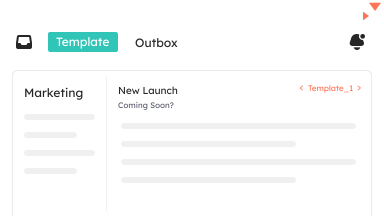
Customizable Templates illustration

Engagement Tracking

Surface real-time buying signals with email engagement tracking. Get instant alerts when a prospect opens your email or clicks a link and follow up at the right moment.
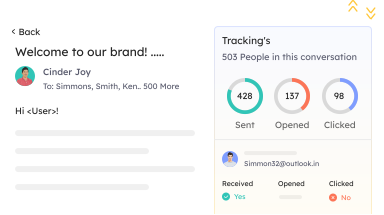
Engagement Tracking illustration

Group emails

Execute targeted email outreach across your entire contact list in a single send, automatically mapping every response to the right opportunity to keep your pipeline organized.
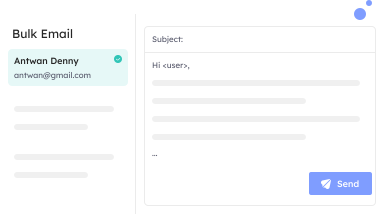
Group emails illustration

Make every email worth opening with Twozo’s Nira AI Email Assistance

Twozo’s Inbox is more than a place to send emails. It's where tracking, AI assistance, automation, and context come together, to turn every message into a meaningful sales action.

Nira AI Assistance

Nira AI Assistance

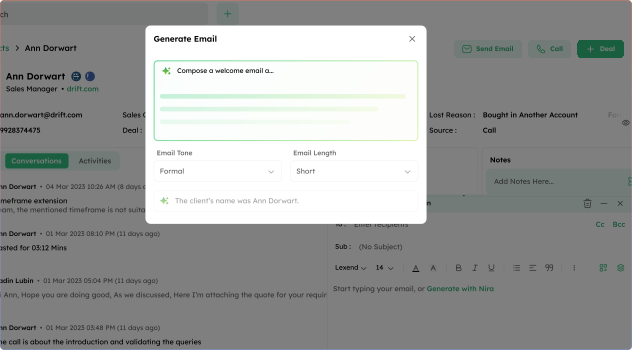
Generate personalized email drafts and subject lines using Nira AI based on your message intent. Customize tone and length to match your communication style. Also, instantly regenerate content to refine messaging and improve engagement.

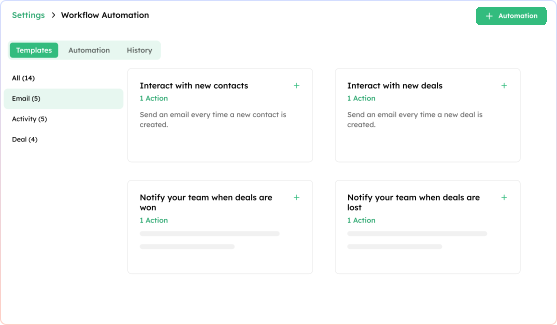
Automated Email Workflows

Automated Email Workflows

Twozo automation allows emails to be sent automatically based on predefined conditions. When a contact enters your pipeline, shows interest, or reaches a specific stage, the system can trigger a relevant email without manual effort.

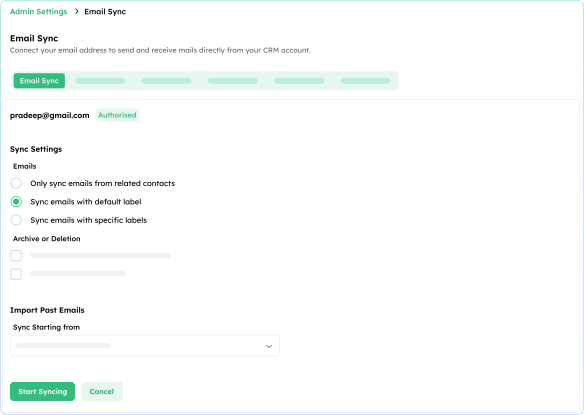
Email inbox & Sync

Email inbox & Sync

Connect your Gmail or Outlook account to Twozo and sync every inbox message directly into your workspace. Configure sync preferences, manage archive and deletion settings, and choose how far back your email history should be imported.

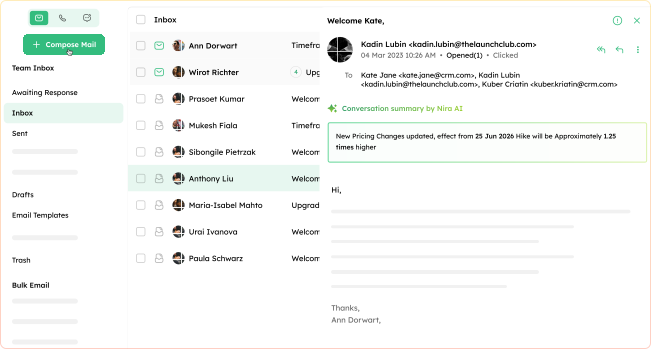
Email summary

Email summary

Long email threads shouldn't slow your team down. Nira AI summarizes any conversation in seconds, highlighting key decisions, action items, and next steps, this lets your team stays informed without reading every reply.

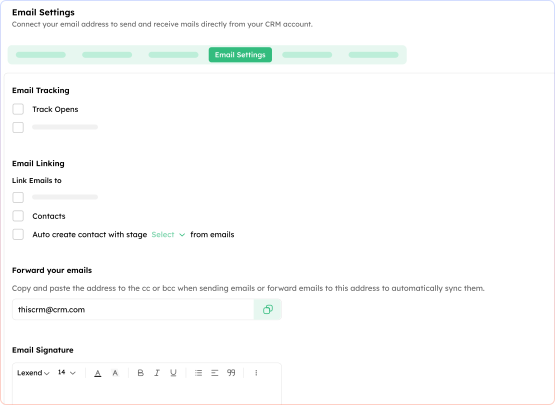
Email settings

Email settings

Automatically sync forwarded emails, customize signatures, block specific addresses or domains, and add verified organizational email accounts for team-based communication directly within Twozo CRM.

Planned Email Scheduling

Planned Email Scheduling

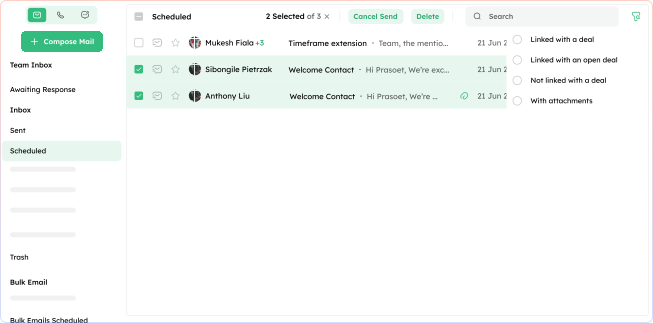
With Twozo’s email scheduling you can plan your outreach ahead of time, draft emails at your own pace, and set them to deliver automatically at your chosen time. Scheduled emails stay synced with your calendar, to make your outreach is always timely, never forgotten.

Turn brief drafts into meaningful outreach.

Everything your inbox needs, built directly into your CRM.

File attachments

File attachments

Attach proposals, contracts, presentations, and documents directly within the Twozo email composer. Every file you share adds context to the conversation, giving your prospect everything they need to make a decision.

Link to deals & contacts

Link to deals & contacts

Every email thread can be linked to a deal or contact, giving your team complete visibility into every conversation across the pipeline. No more searching through scattered inboxes or losing track of important highlights.

Awaiting responses

Awaiting responses

Emails waiting on a response are automatically grouped in one dedicated section, to let the team know what needs attention, what needs a follow-up, and what can move forward.